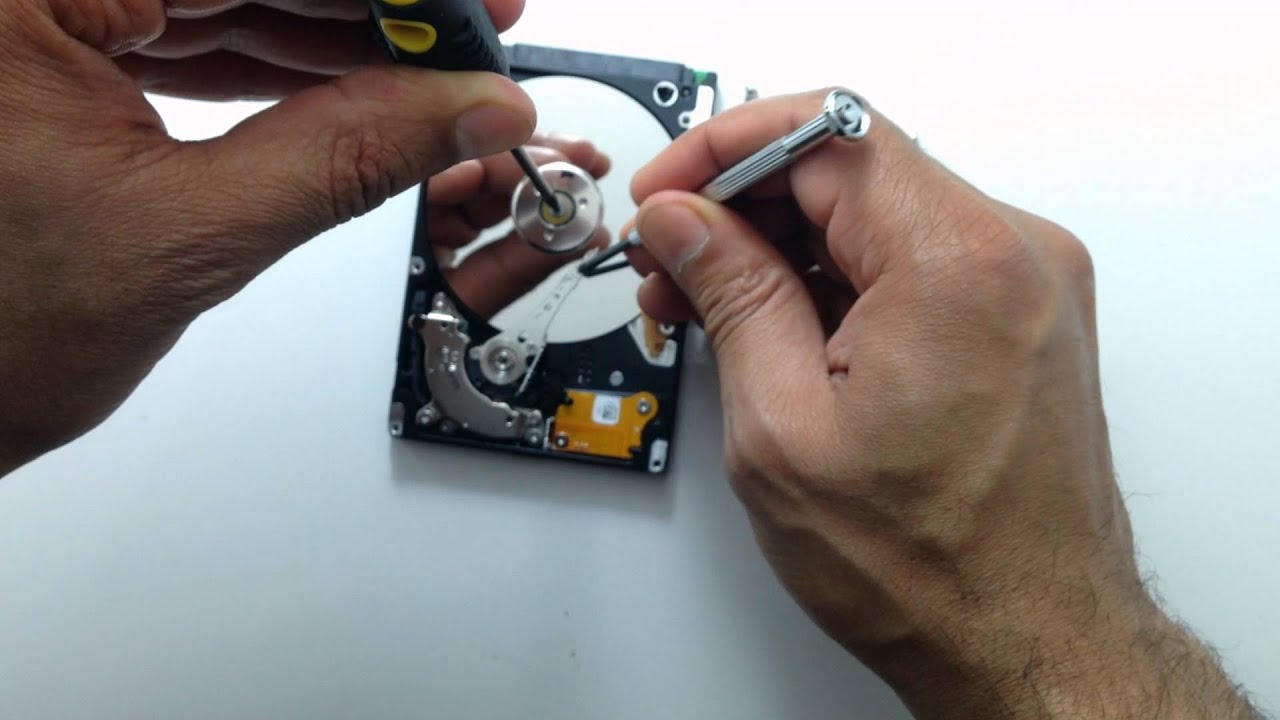
Data loss can occur at any time, and when it happens, the consequences can be severe—especially when critical business data is involved. Successful data recovery in such situations often requires not only technical expertise but also a well-thought-out approach. Below, we discuss two real-life examples of data recovery challenges, outline some key practices for preventing data loss, and offer advice on what to do in case of an emergency data recovery situation.
Case Study 1: Critical Tape Data Recovery
On Easter Saturday, a business faced a severe data loss from several damaged tapes, which had been handled improperly by another data recovery company. These tapes contained critical business data, including accounting information, and required urgent recovery.
Key Challenges:
- Poorly Recorded Tapes: The tapes were damaged, with several areas where the recording had broken up.
- Multiple Tapes: Around 35 tapes in similar condition needed to be processed.
- Time Sensitivity: The business needed to recover its accounts system data, which was of major importance.
The Recovery Process:
- Rapid Response: Within about four hours of receiving the first tape, several hundred megabytes of data had been recovered.
- Cleaning and Reprocessing: The recovery process involved cleaning up the damaged areas on the tapes, extracting images from the RAID disks, and continuing to recover the data in phases.
- Continued Work Over 48 Hours: For the damaged areas, the recovery team worked tirelessly for up to 48 hours, and by the end of the week, all the data had been successfully recovered, including critical accounts data.
Lessons Learned:
- Timely Action: The quicker the data recovery process begins, the better the chances of success, especially when dealing with tapes or RAID systems.
- Persistence in Difficult Conditions: Even when the data seems irretrievably lost, careful reprocessing and using the right tools can yield results.
Case Study 2: The Flooded Tape Disaster
In another case, a business continuity firm dealt with a client who had archived important documents and drawings in a fireproof safe located in their basement. Unfortunately, the tapes were damaged by floodwater, making it a challenging recovery situation.
Key Challenges:
- Flood Damage: The tapes had been submerged in water and started to dry while still inside the safe.
- Multiple Formats: There were over 40 tapes and optical cartridges in various formats, complicating the recovery process.
The Recovery Process:
- Cleaning the Tapes: Each tape was extracted from its cartridge, cleaned in a special rig to remove sediment, and then placed into new cartridge assemblies.
- Data Extraction: After a few hours of cleaning and processing, the data recovery team successfully returned the recovered files on 26 CDs.
- Final Outcome: The engineers were grateful to receive their crucial archives, salvaged from a near-disastrous situation.
Lessons Learned:
- Adaptability: Each data recovery situation is unique, and the recovery team must adapt to the specific damage (e.g., water exposure, tape format variety).
- Comprehensive Tools: Specialized equipment, such as cleaning rigs and new cartridge assemblies, are essential for recovering data from physically damaged media.
General Best Practices for Preventing Data Loss
While data recovery can save crucial information, prevention is always better than a cure. Here are some general tips for minimizing the risk of data loss:
- Don’t Panic: Panic-driven actions can often make the situation worse. Keep a clear head and plan your next steps carefully.
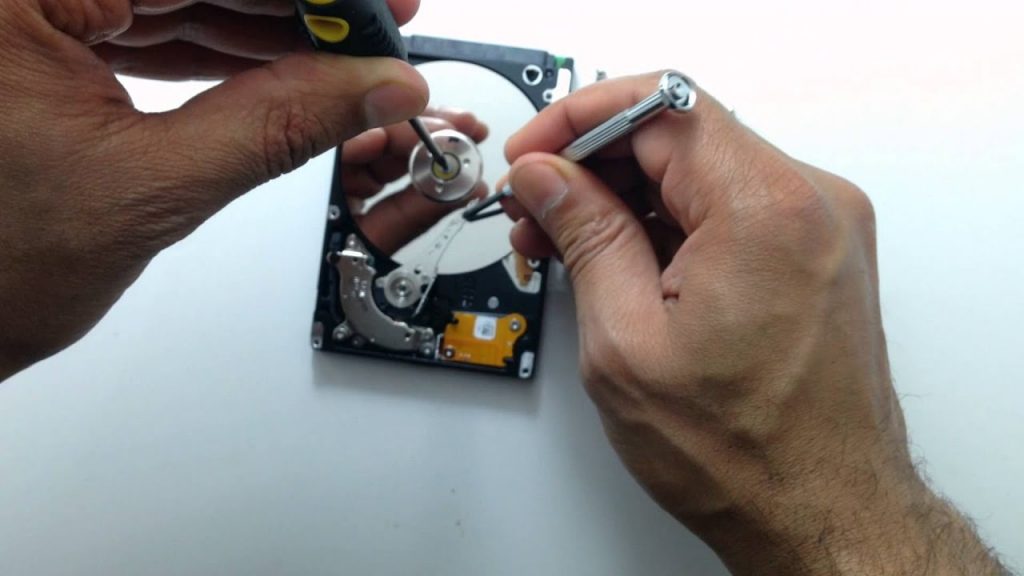
- Avoid DIY Data Recovery: Attempting to recover data yourself—especially from physically damaged hardware—can worsen the problem. Professional help is crucial for complex issues.
- Handle Hardware with Care: Don’t tamper with hardware unless you have the proper expertise. Even unscrewing parts of the casing without knowledge can damage a drive further.
- Plan Your Actions: Think through the consequences of any changes or actions you plan to take, especially on a business-critical system.
- Backup Before Installing Software: Always make backups before installing software, no matter how reputable the vendor is. Software installations can sometimes cause issues that result in data loss.
- Verify Backups: It’s important to verify that backups are actually functional by performing full restores. This can save valuable time in case of an emergency.
- Optimize for Data Security: While speed is important, ensuring that your system is optimized for data security is essential. If security measures are weak, you risk losing vital data.
- Be Cautious During Start-Up and Shutdown: Machines often fail during startup or shutdown. If possible, keep systems running under consistent environmental conditions, and always back up data before shutting down.
Conclusion
Whether it’s a corrupted RAID array, damaged tapes, or a flooded safe, data recovery is a complex but achievable task with the right approach. Timely action, the use of professional recovery services, and the application of good preventive practices can significantly reduce the risk of data loss. In critical situations, especially when dealing with valuable business or personal information, the involvement of experts who understand the nuances of data recovery is key to ensuring successful outcomes.
About the Author