Our mobile phones are more than just communication tools—they’ve become essential extensions of our lives. We store everything from important messages, contacts, and work documents, to precious photos, videos, and notes on them. However, accidents do happen, and if your mobile phone suffers damage, you could lose all of this invaluable data. Fortunately, there are effective methods to recover data from a damaged mobile phone. In this article, we’ll walk you through the steps for data recovery and how you can prevent such data loss in the future.
The Importance of Backups
The best way to avoid the loss of important data from a damaged mobile phone is by regularly backing up your files. Studies show that 20% of mobile devices suffer irreparable accidents each year, leading to data loss. By using cloud-based services, you can safeguard your photos, videos, documents, and other important data, ensuring that they remain accessible even if your mobile device is damaged.
Popular Backup Solutions:
- Google Drive: Offers seamless cloud storage with automatic synchronization for Android users. Photos, contacts, and documents are uploaded in the background, providing peace of mind.
- Dropbox: A cloud storage service that allows you to store and access files from any device. Dropbox offers automatic photo upload options for both Android and iOS devices.
- WhatsApp Backup: For users of the messaging app, WhatsApp allows you to back up your conversations to Google Drive (for Android) or iCloud (for iOS). This is particularly helpful in case your phone is damaged, as it ensures you don’t lose important chats.
By having your data backed up, you ensure that your most valuable information is recoverable in the event of an accident.
Steps for Data Recovery from a Damaged Mobile Phone
If your mobile phone has already been damaged and you have not backed up your data, all hope is not lost. There are still options for recovering your files. Here’s how to go about it:
- Assess the Damage
The first step is to assess the extent of the damage. If the phone’s screen is broken but the internal components are intact, there’s a good chance the data can still be recovered. If the device is completely unresponsive, or has suffered liquid damage, data recovery may be more challenging but still possible. - Seek Professional Help
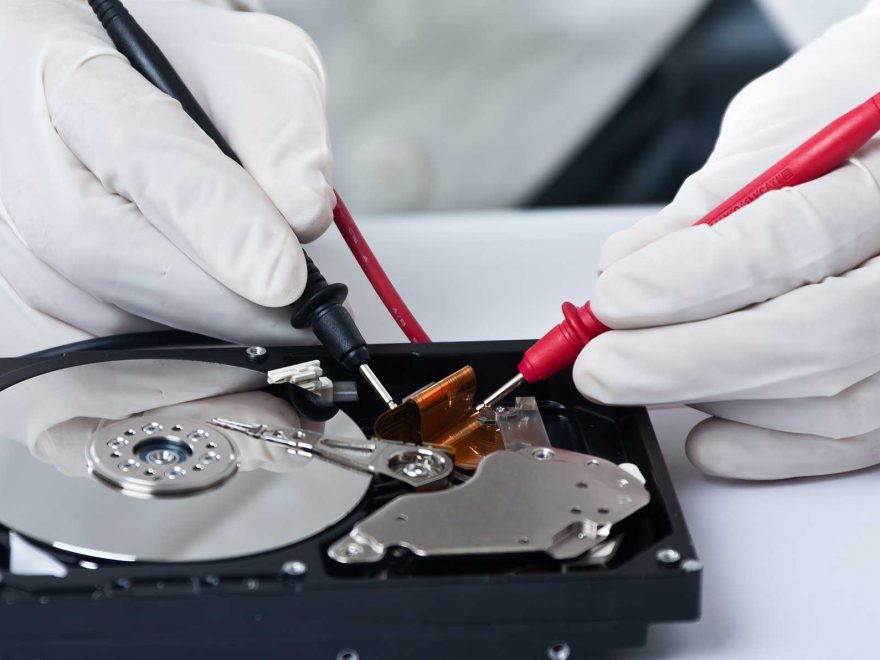
If your mobile phone is severely damaged, it’s recommended to seek professional data recovery services. Many service providers specialize in recovering data from damaged devices, including those affected by physical damage, water damage, or failed software. A professional technician will have the right tools and expertise to recover data, even in the most challenging situations. For example, services like Phone House offer specialized data recovery services, with success rates of up to 95% for various types of damage. These services are available regardless of whether you purchased your device from the store, and you can access them on an annual or biannual basis. - Use Data Recovery Software
For less severe damage or if you have basic technical skills, there are several data recovery tools available that can help recover lost files from a damaged mobile phone. These software programs can scan your device for recoverable data and attempt to restore it. Some popular tools include:- dr.fone – Data Recovery: A reliable tool for recovering data from Android and iOS devices. It supports photos, videos, contacts, messages, and more.
- EaseUS MobiSaver: Another effective tool for both Android and iOS devices, allowing you to recover files like photos, messages, and documents.
- Take Advantage of Manufacturer Services
If your device is still under warranty, or if you’ve signed up for data recovery services like those offered by Phone House, you may be able to recover your data through the manufacturer’s official service centers. These centers can often recover data even from damaged devices, depending on the severity of the issue.
Prevention is Key: How to Avoid Data Loss in the Future
While it’s possible to recover data from a damaged phone, prevention is always better than a cure. Here are a few steps you can take to protect your data moving forward:
- Regular Backups: Set up automatic backups with cloud services like Google Drive, iCloud, or Dropbox. This ensures that your data is always backed up and available, even in the event of a device failure.
- Use a Protective Case: Prevent physical damage by investing in a durable phone case and screen protector to safeguard your device from drops and impacts.
- Enable Two-Factor Authentication: This ensures that your accounts are protected and can be easily recovered in case of device loss or damage.
- Install a Mobile Data Recovery App: Some apps provide extra data protection by regularly backing up your files to the cloud or to external storage.
Conclusion
Accidents and mishaps happen, but data recovery from a damaged mobile phone is possible with the right steps. The key to ensuring your valuable information is protected is to regularly back up your data. In cases where data recovery is needed, professional services, specialized software, and manufacturer assistance can help you retrieve your files. By taking preventative measures, you can reduce the risk of losing your data in the future and ensure that you are always prepared for any unexpected incidents.
About the Author